

Visitor kiosks that welcome guests
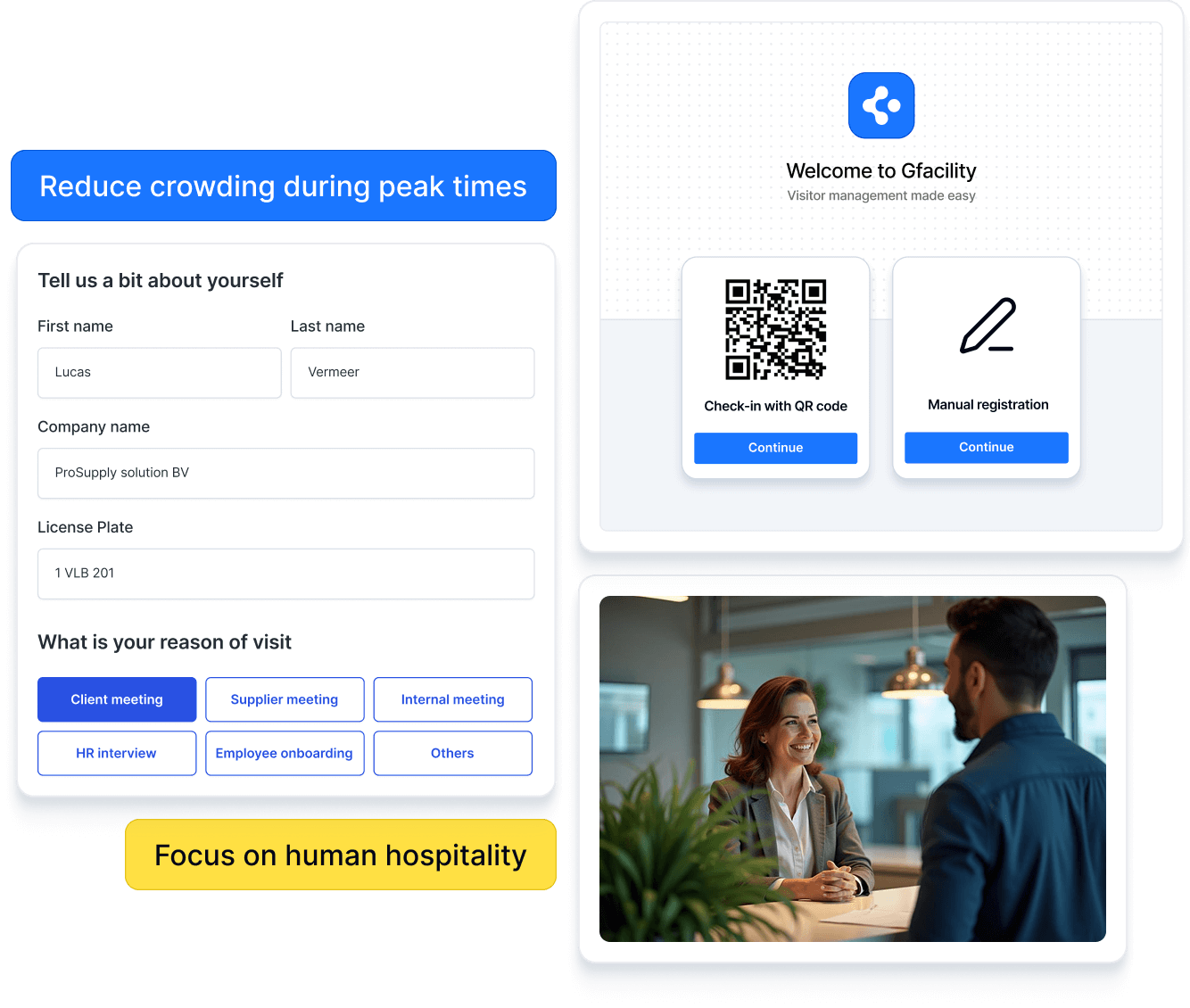
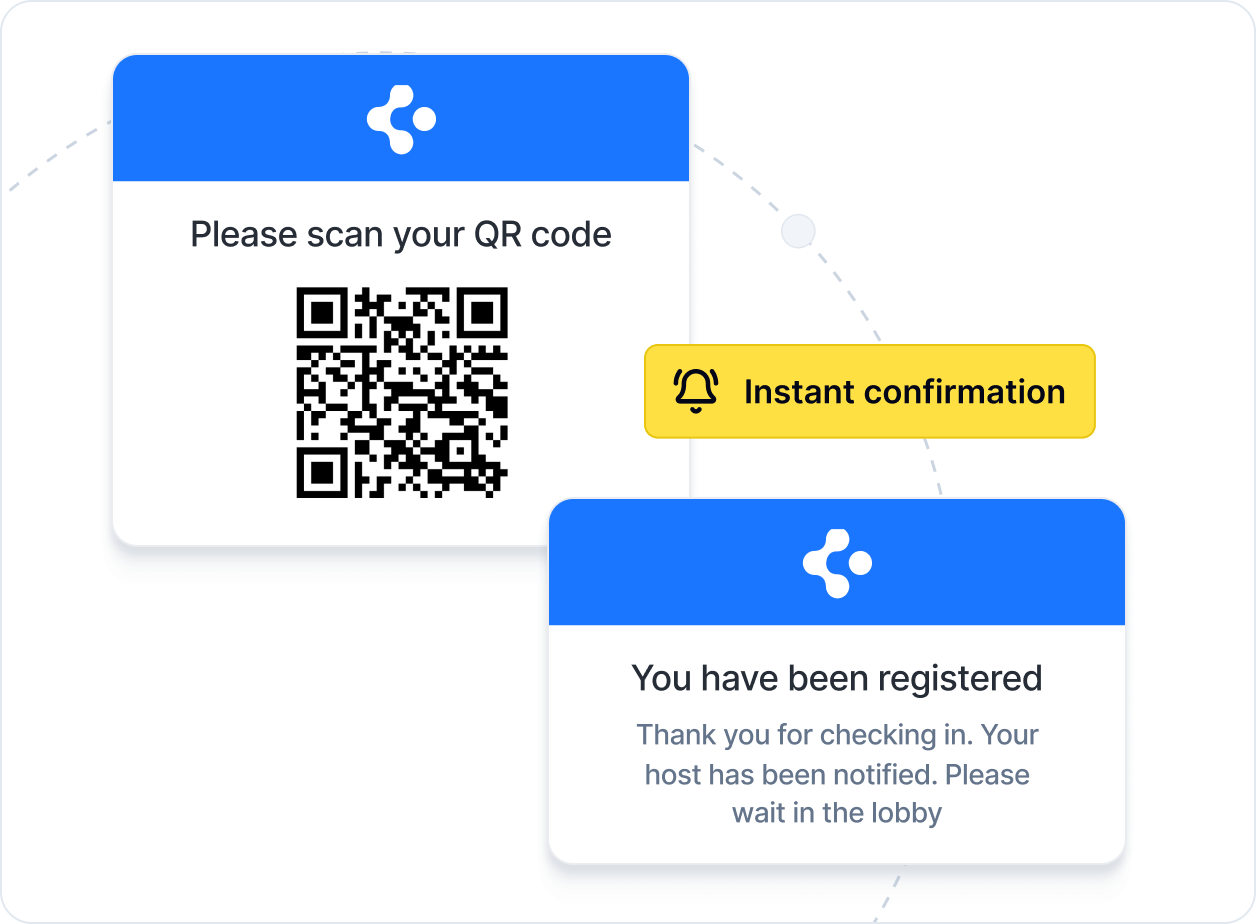
Welcome visitors with ease and professionalism. The smart visitor management kiosk streamlines registration, eases reception workload, and creates a welcoming experience. Less wait, more personal attention - make a lasting impression.

Works

 where you work
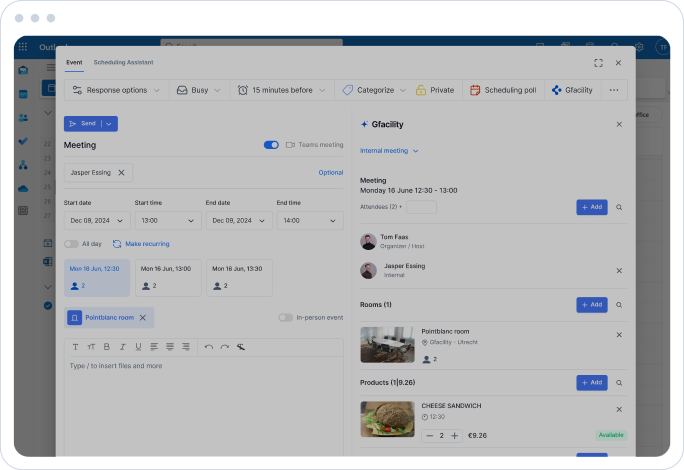
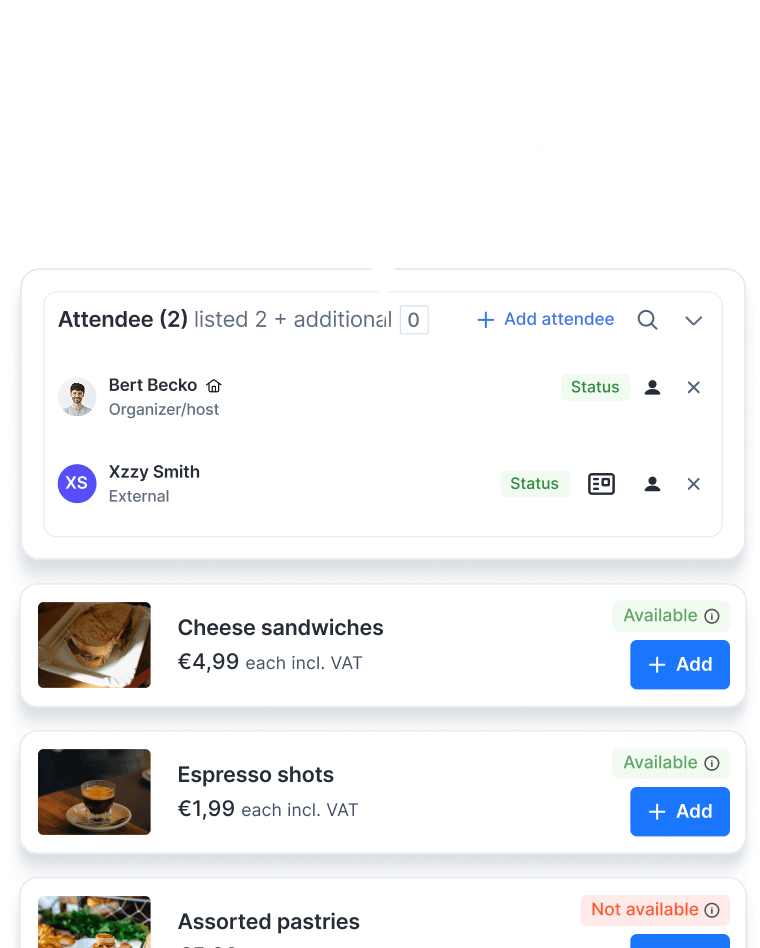
Employees plan meetings effortlessly in Microsoft Outlook or Google Calendar – booking rooms, catering, and visitors in one go. Communication with service teams happens naturally via Teams or Chat.
-
Book directly from your calendar
-
External attendees are automatically announced at reception
-
High adoption: employees stay in familiar tools
-
No duplicate input, only input visitor details once

Watch video




Transform meetings
With our all-in-one meeting solution and room reservation system, you don’t just support meetings – you streamline how your organisation comes together. The Meeting Management Module goes beyond bookings to coordinate attendees, visitors, and catering – cutting friction and saving time.
Everything you need for space reservation

Overviews and filters
Quickly find the relevant information through user-friendly overviews with advanced filtering capabilities.

Notifications
Receive timely notifications for important updates, tasks and reservations.

Workflows
Automate (approval) processes and streamline tasks with customised tailored workflows.

Catalogue and policies
Attractive catalogue with detailed room information and flexible rules to control who can book which rooms, and when.

Communications
Easy communication via email, with all correspondence automatically linked to the booking space.

Analysis & reporting
Get valuable insights from edetailed analyses and flexible reporting.

Mobile app
Work anywhere with the convenient mobile application, designed for maximum flexibility.

Reviews
Collect feedback and provide insightful ratings to monitor quality.

Custom visitor badges
Create and print customised visitor badges for a professional and personalised welcome.

Google integrations
Google Calendar plug-in and user integrations.

Microsoft integrations
Microsoft Outlook plug-in and user integrations.

Configurable layout
Adjustable release times and extension options.

Integrations
Seamlessly connect with building access control and parking management systems to automate entry permissions and access to parking.

GDPR automation
Automatically delete visitor data after a set retention period to ensure privacy compliance and data security.

Pre-registration form
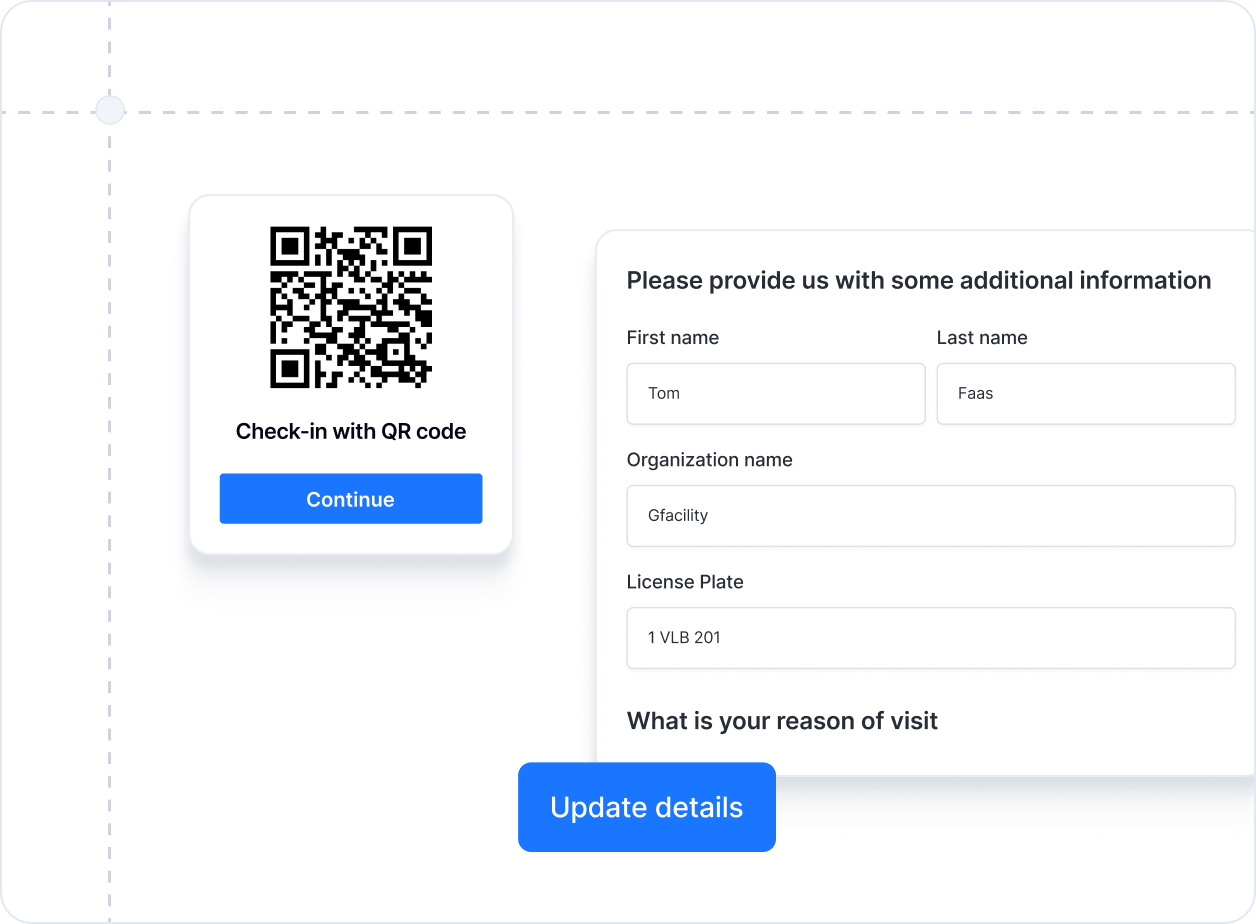
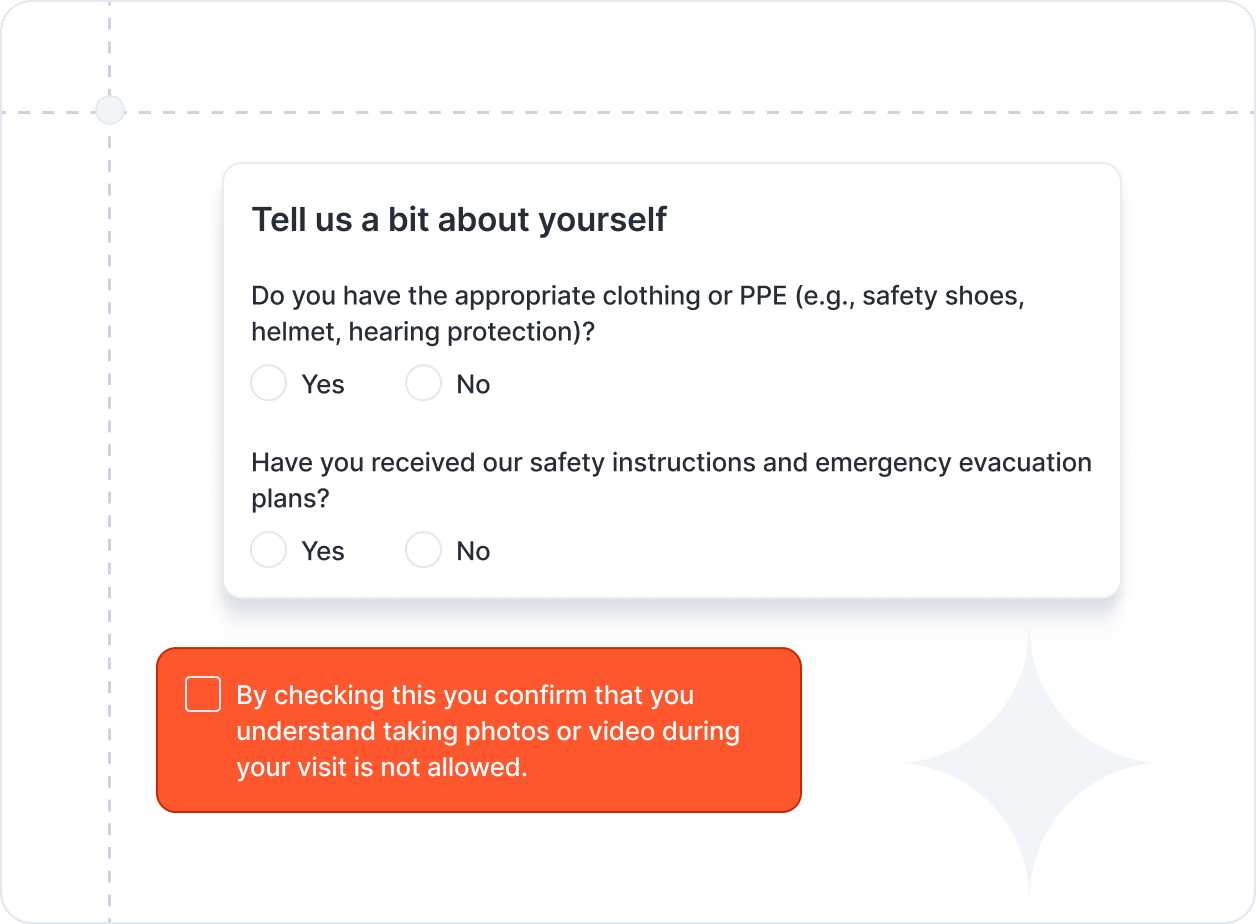
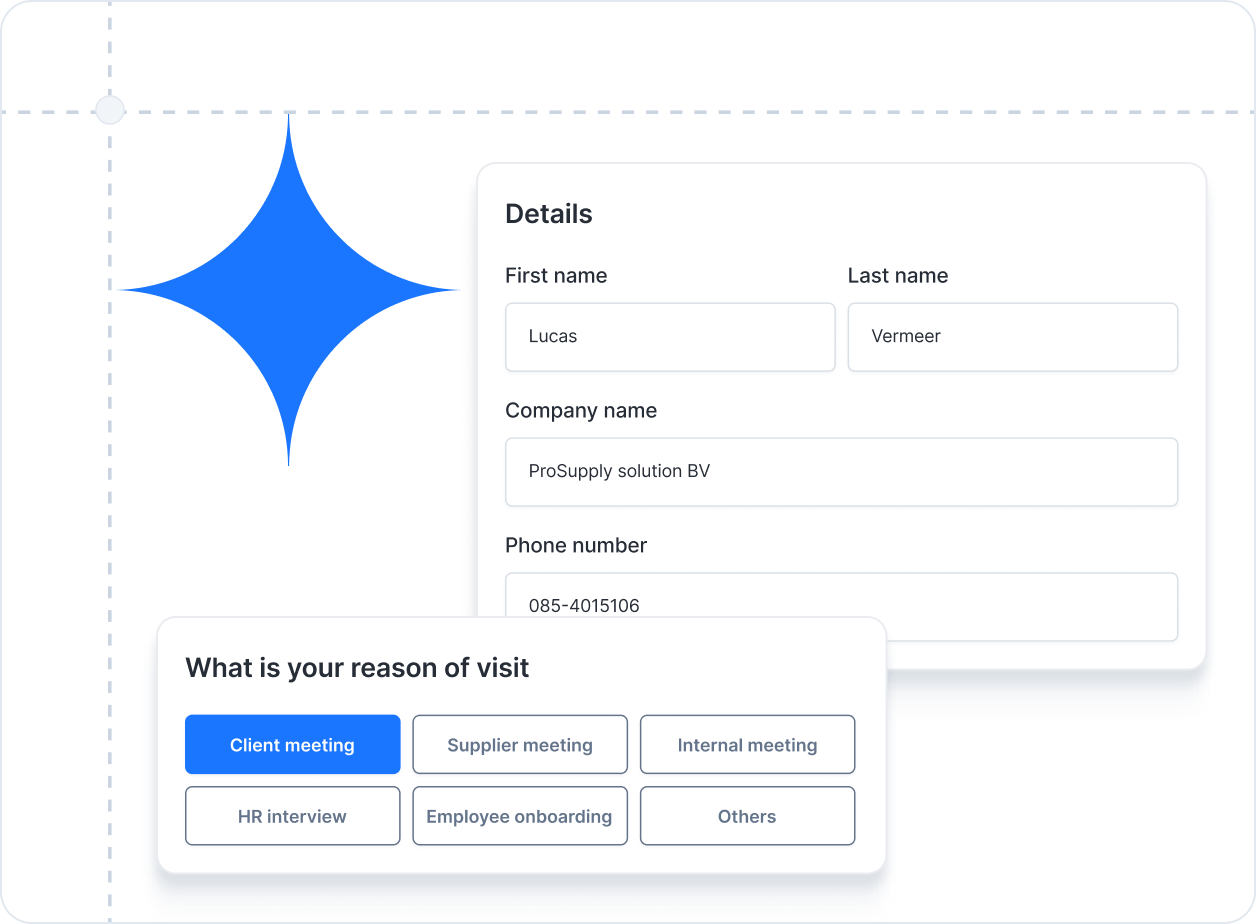
Send guests a simple pre-registration form before their visit to capture details, preferences, and any required documents in advance.

Touchless check-in
Enable visitors to check in using their own smartphone - no physical contact required.

Emergency evacuation list
Access a real-time list of all visitors on site to ensure safety during evacuations.

Multi-location management
Manage visitor flows and reporting across multiple office sites from a single dashboard.
Frequently asked questions
What is a visitor management kiosk?
A visitor management kiosk is a self-service check-in station that automates the arrival process for guests, contractors, and deliveries. Instead of manual sign-in, visitors use a touchscreen or QR code to register, print a badge, and notify their host automatically.
How does the kiosk improve the visitor experience?
Gfacility offers a smart and user-friendly room booking solution to help employees easily reserve meeting rooms, huddle spaces, or other workspaces - all integrated within your existing tools.
Can I integrate Gfacility with Outlook or Google Calendar?
Yes. Gfacility seamlessly integrates with both Microsoft Outlook and Google Calendar, ensuring real-time synchronization of bookings and preventing double reservations.
Can I manage room bookings via a mobile app or kiosk?
Yes. Gfacility seamlessly integrates with both Microsoft Outlook and Google Calendar, ensuring real-time synchronization of bookings and preventing double reservations.
Does the system support recurring or group bookings?
Absolutely. Gfacility supports recurring bookings and team reservations, making it ideal for regular meetings or team collaboration sessions.
Is the room availability shown in real-time?
Absolutely. Gfacility supports recurring bookings and team reservations, making it ideal for regular meetings or team collaboration sessions.
Is it possible to set booking rules or approval workflows?
Absolutely. Gfacility supports recurring bookings and team reservations, making it ideal for regular meetings or team collaboration sessions.
How does Gfacility help reduce no-shows?
Absolutely. Gfacility supports recurring bookings and team reservations, making it ideal for regular meetings or team collaboration sessions.
Can I use Gfacility to manage other shared resources (like parking or equipment)?
Yes. Gfacility’s flexible booking engine goes beyond meeting rooms - it can also be used to manage parking spaces, company vehicles, equipment, or other shared resources.
How secure is Gfacility Room Booking?
Yes. Gfacility’s flexible booking engine goes beyond meeting rooms - it can also be used to manage parking spaces, company vehicles, equipment, or other shared resources.
How do I get started with Gfacility?
Yes. Gfacility’s flexible booking engine goes beyond meeting rooms - it can also be used to manage parking spaces, company vehicles, equipment, or other shared resources.
How secure is Gfacility Room Booking?
Yes. Gfacility’s flexible booking engine goes beyond meeting rooms - it can also be used to manage parking spaces, company vehicles, equipment, or other shared resources.
How do I get started with Gfacility?
Yes. Gfacility’s flexible booking engine goes beyond meeting rooms - it can also be used to manage parking spaces, company vehicles, equipment, or other shared resources.


From manual to meaningful
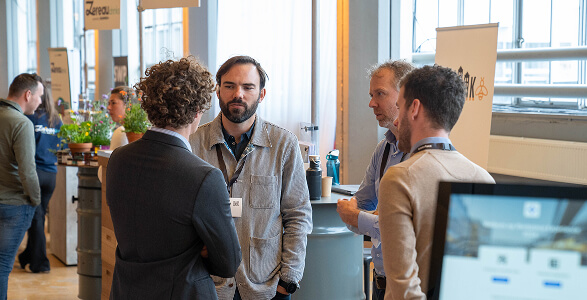
Booking a meeting room shouldn’t feel like a project on its own. With Gfacility, you skip the email chains, avoid double bookings, and make sure every meeting has the right space, people, and setup - without the usual hassle.
