

Room signage for seamless meetings
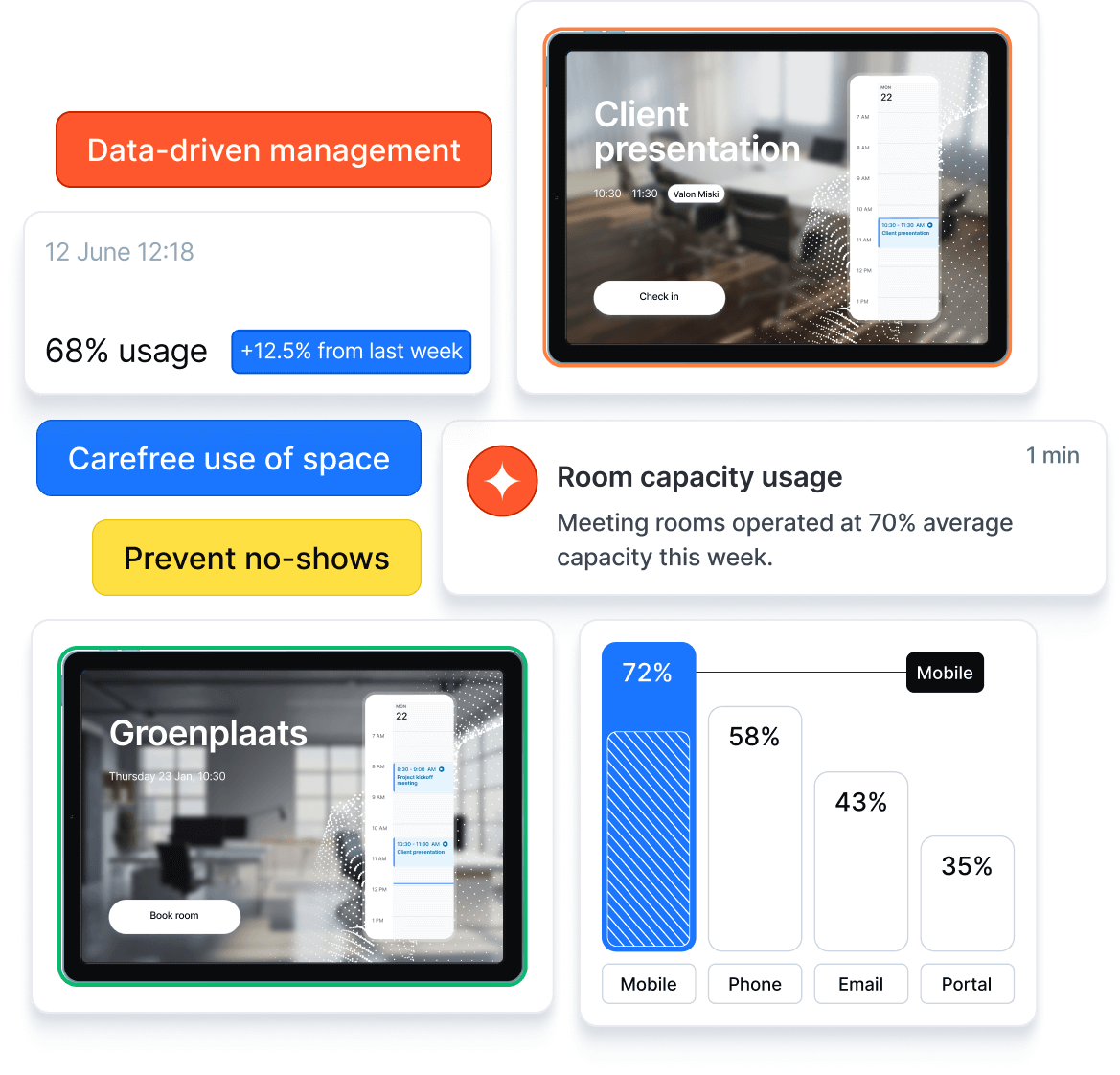
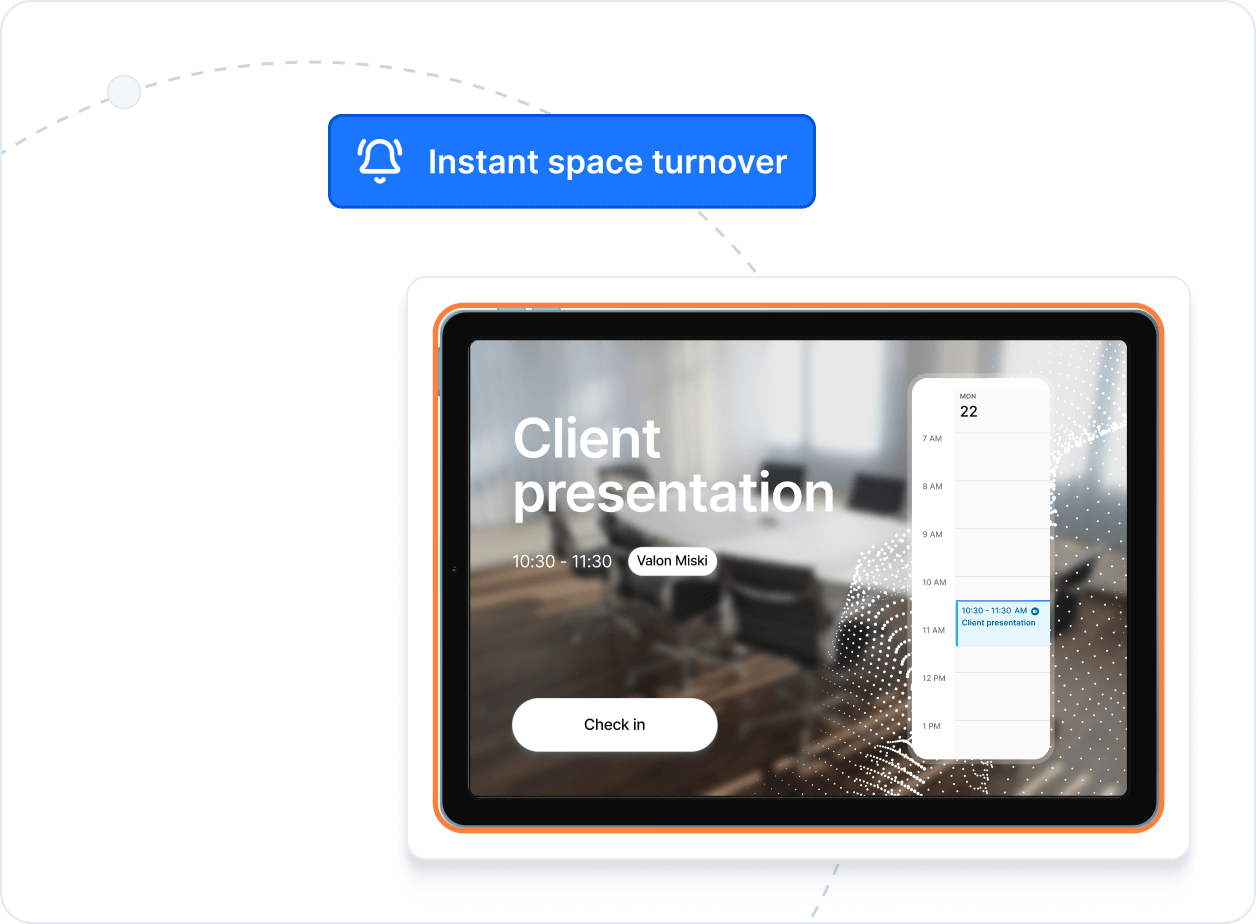
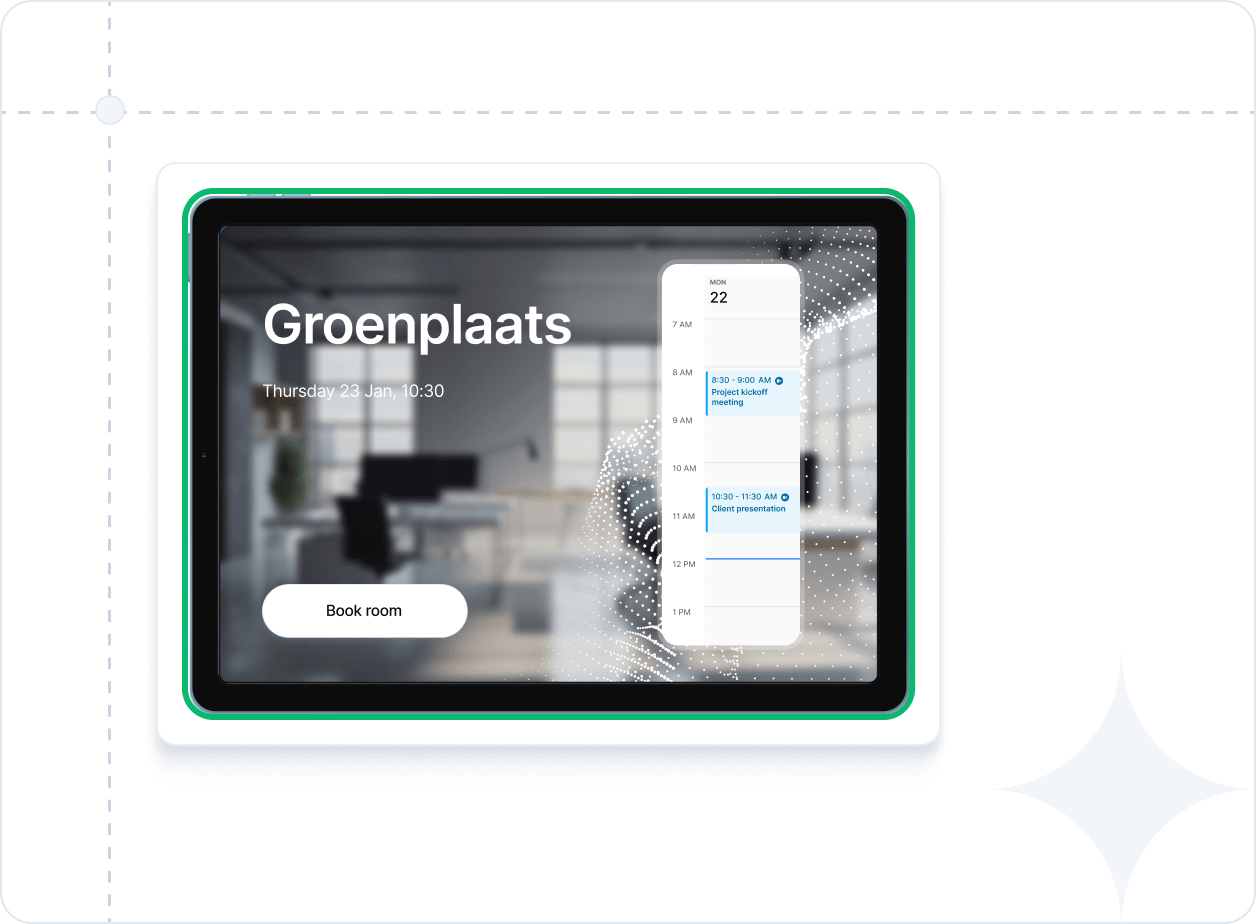
With intuitive meeting room signs, users can easily find their meeting room, check in effortlessly, and prevent no-shows - always linked to your Microsoft or Google spaces.




Transform meetings
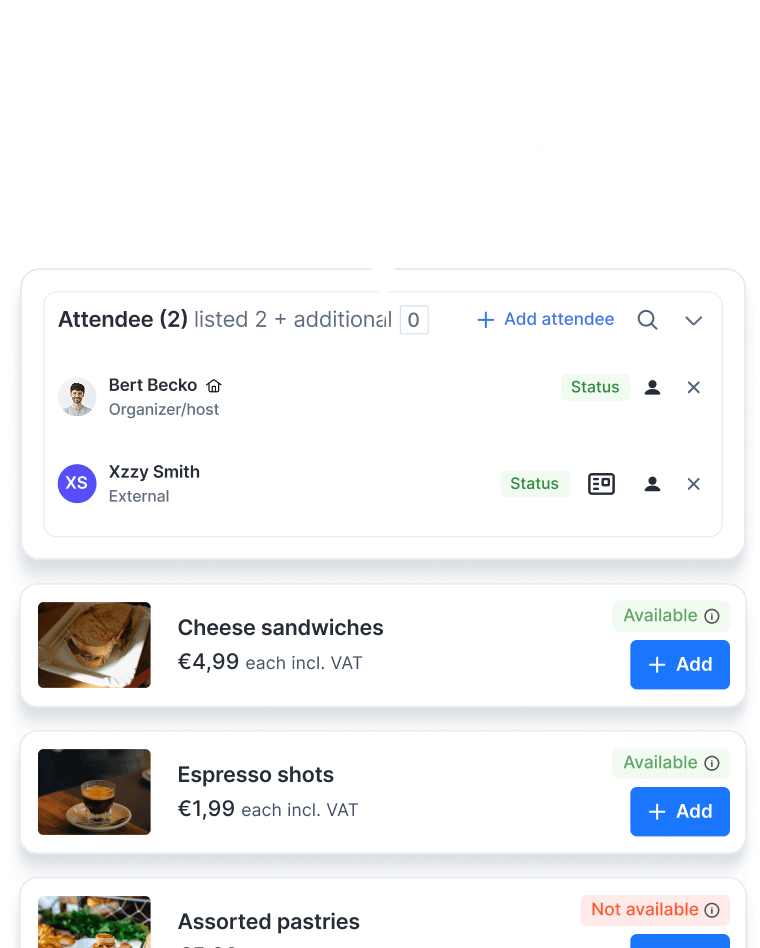
With our all-in-one meeting solution and room reservation system, you don’t just support meetings – you streamline how your organisation comes together. The Meeting Management Module goes beyond bookings to coordinate attendees, visitors, and catering – cutting friction and saving time.
Everything you need

Overviews and filters
Quickly find the relevant information through user-friendly overviews with advanced filtering capabilities.

Notifications
Receive timely notifications for important updates, tasks and reservations.

Workflows
Automate (approval) processes and streamline tasks with customised tailored workflows.

Catalogue and policies
Attractive catalogue with detailed room information and the possibility to set who may book which rooms and when booking.

One-tap booking at the door
Reserve a room instantly from the signage panel, no need to open your calendar.

Usage analytics & reports
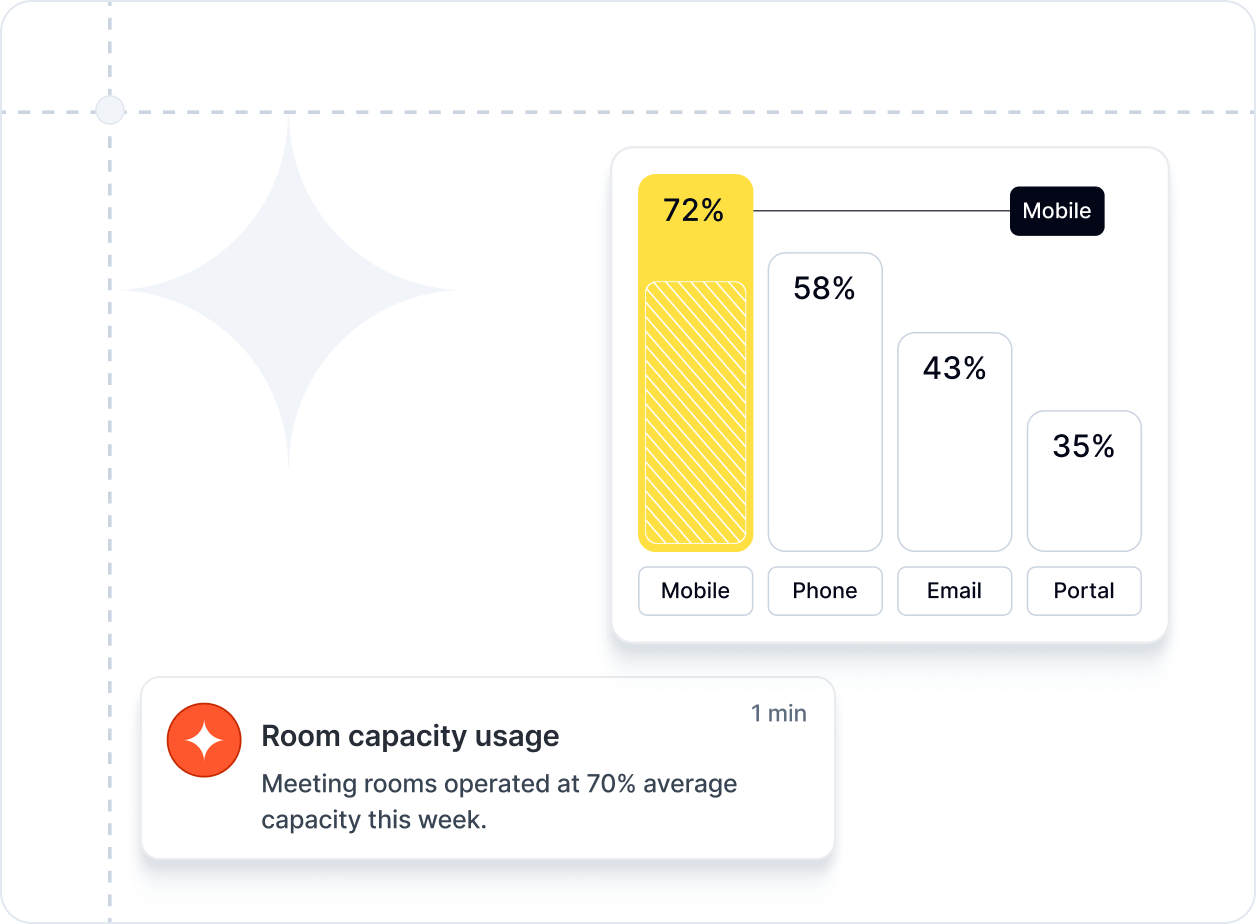
Track meeting room occupancy, booking patterns, and no-show rates to optimise space utilisation.

Real-time availability display
LED indicators or on-screen colour coding show instantly if a room is free, in use, or about to start.

Check-in & auto-release
Require meeting check-in to prevent ghost bookings and automatically free up no-show reservations.

Ad-hoc booking
Quickly book an available room on the spot for impromptu meetings.

Google integrations
Syncs directly with Google Rooms, ensuring up-to-date availability and preventing double bookings - every meeting, perfectly scheduled.

Microsoft integrations
Syncs directly with Microsoft Rooms, ensuring up-to-date availability and preventing double bookings - every meeting, perfectly scheduled.

Customisable branding
Apply your company logo, colours, and style to all room signage screens.

Capacity & equipment display
Show seating capacity, AV equipment, and special facilities directly on the signage screen.

Multi-location management
Manage room bookings and signage across multiple sites from a single dashboard.

Report issues directly from the display
If something in the room isn’t working - from a broken projector to missing cables - users can report it instantly from the signage screen, ensuring quick follow-up and minimal disruption.
Frequently asked questions
What is room signage?
Room signage refers to digital meeting room signs or door displays placed outside a meeting space. These electronic displays show real-time availability — free, in use, or about to start — and can also display meeting details, capacity, and equipment. Many even allow you to book the room instantly from the screen.
How do meeting room signs work?
Gfacility offers a smart and user-friendly room booking solution to help employees easily reserve meeting rooms, huddle spaces, or other workspaces - all integrated within your existing tools.
Can I integrate Gfacility with Outlook or Google Calendar?
Yes. Gfacility seamlessly integrates with both Microsoft Outlook and Google Calendar, ensuring real-time synchronization of bookings and preventing double reservations.
Can I manage room bookings via a mobile app or kiosk?
Yes. Gfacility seamlessly integrates with both Microsoft Outlook and Google Calendar, ensuring real-time synchronization of bookings and preventing double reservations.
Does the system support recurring or group bookings?
Absolutely. Gfacility supports recurring bookings and team reservations, making it ideal for regular meetings or team collaboration sessions.
Is the room availability shown in real-time?
Absolutely. Gfacility supports recurring bookings and team reservations, making it ideal for regular meetings or team collaboration sessions.
Is it possible to set booking rules or approval workflows?
Absolutely. Gfacility supports recurring bookings and team reservations, making it ideal for regular meetings or team collaboration sessions.
How does Gfacility help reduce no-shows?
Absolutely. Gfacility supports recurring bookings and team reservations, making it ideal for regular meetings or team collaboration sessions.
Can I use Gfacility to manage other shared resources (like parking or equipment)?
Yes. Gfacility’s flexible booking engine goes beyond meeting rooms - it can also be used to manage parking spaces, company vehicles, equipment, or other shared resources.
How secure is Gfacility Room Booking?
Yes. Gfacility’s flexible booking engine goes beyond meeting rooms - it can also be used to manage parking spaces, company vehicles, equipment, or other shared resources.
How do I get started with Gfacility?
Yes. Gfacility’s flexible booking engine goes beyond meeting rooms - it can also be used to manage parking spaces, company vehicles, equipment, or other shared resources.
How do I get started with Gfacility?
Yes. Gfacility’s flexible booking engine goes beyond meeting rooms - it can also be used to manage parking spaces, company vehicles, equipment, or other shared resources.
Can I use Gfacility to manage other shared resources (like parking or equipment)?
Yes. Gfacility’s flexible booking engine goes beyond meeting rooms - it can also be used to manage parking spaces, company vehicles, equipment, or other shared resources.
Can I use Gfacility to manage other shared resources (like parking or equipment)?
Yes. Gfacility’s flexible booking engine goes beyond meeting rooms - it can also be used to manage parking spaces, company vehicles, equipment, or other shared resources.
How do I get started with Gfacility?
Yes. Gfacility’s flexible booking engine goes beyond meeting rooms - it can also be used to manage parking spaces, company vehicles, equipment, or other shared resources.


From manual to meaningful
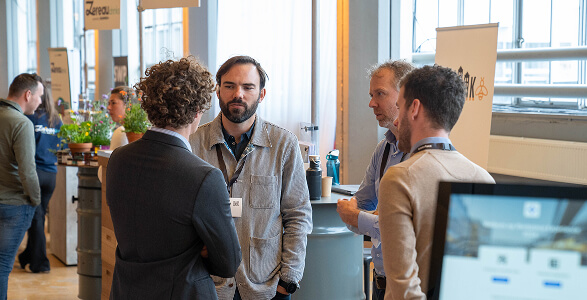
Booking a meeting room shouldn’t feel like a project on its own. With Gfacility, you skip the email chains, avoid double bookings, and make sure every meeting has the right space, people, and setup - without the usual hassle.
